
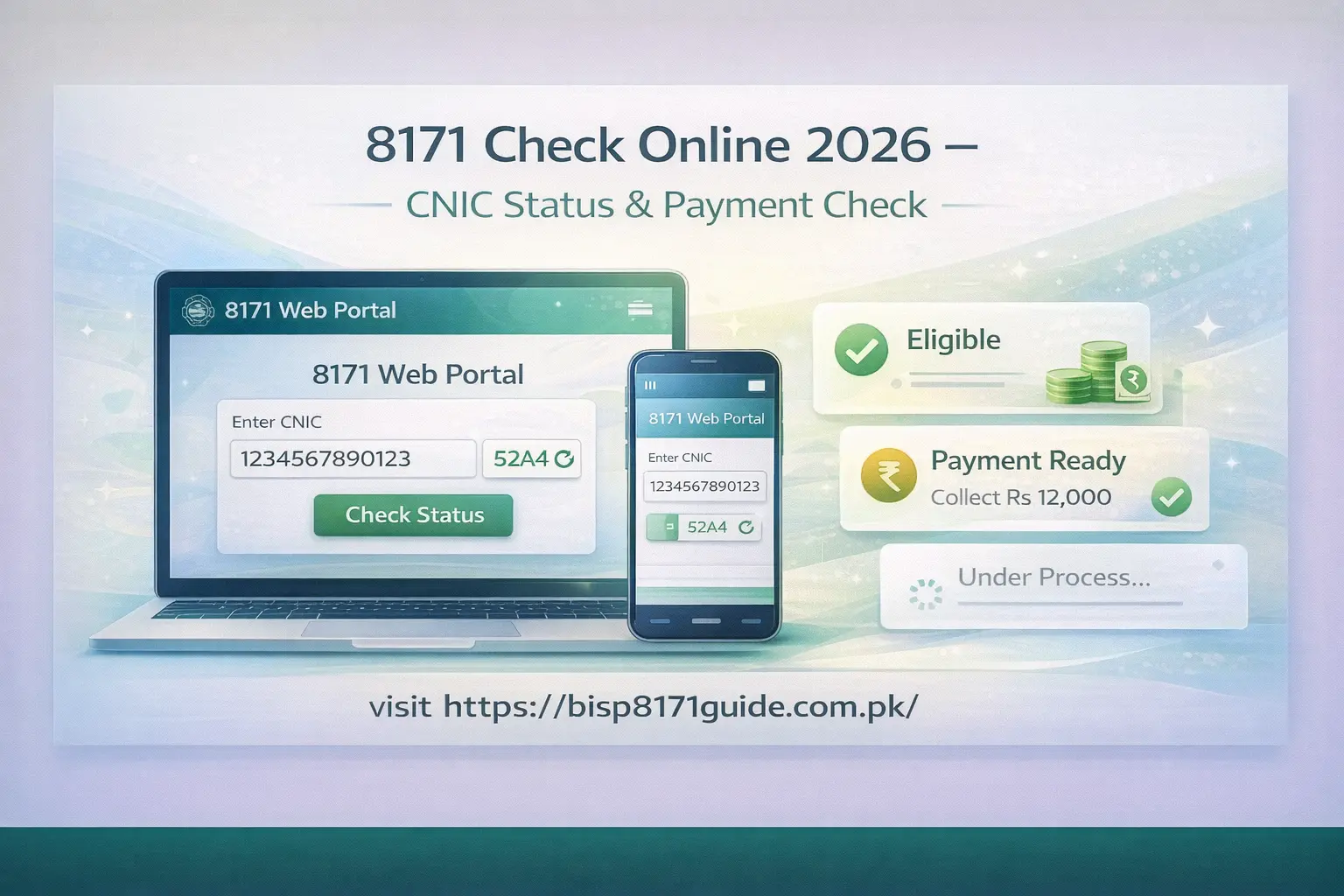
The 8171 check online system is one of the most important services for people in Pakistan who want to verify their eligibility for financial assistance. Many families rely on this system to check their status, payment details, and registration information using their CNIC.
With the latest updates in 2026, the process has become more simple and accessible. Whether you want to check your eligibility or confirm your payment, you can do it easily from your home. This guide explains everything in a clear and simple way so you can complete your 8171 check online without confusion.
What is 8171 Check Online
The 8171 system is part of the Benazir Income Support Program, which provides financial assistance to low income families across Pakistan. The purpose of this system is to help people verify their eligibility and access support using their CNIC.
Through the 8171 check online service, users can enter their CNIC number and find out whether they qualify for assistance. The system connects with government records to provide accurate information based on your data.
This method is widely used because it is quick, simple, and does not require visiting any office.
How to Use 8171 Web Portal
The online method is one of the easiest ways to check your status. You only need a mobile phone or computer with internet access.
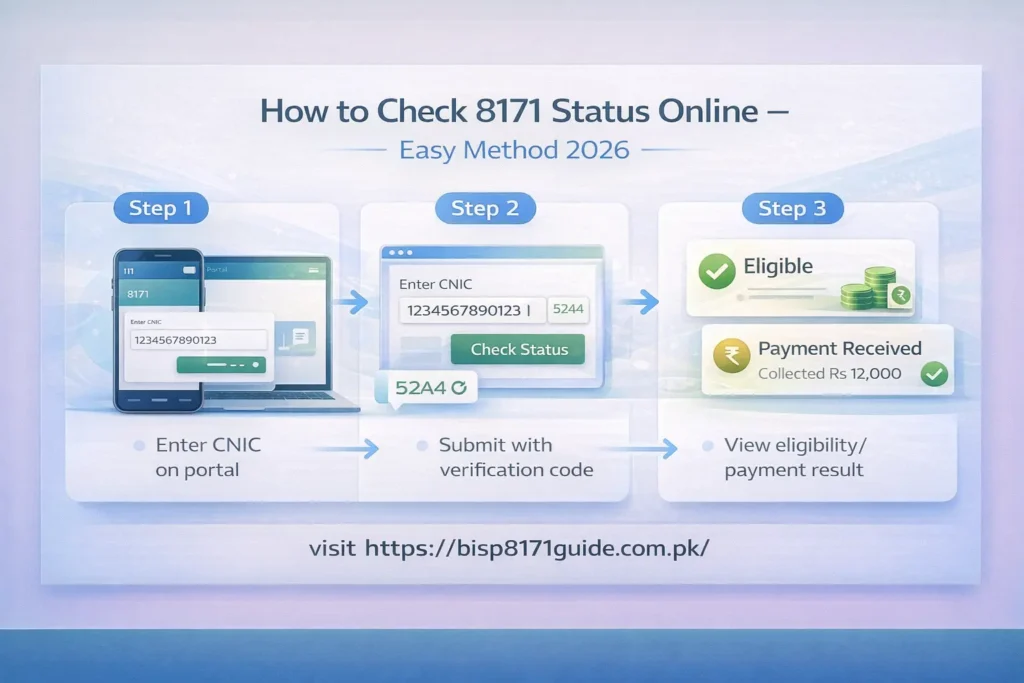
First, open the official 8171 web portal in your browser. Once the page loads, you will see a form where you need to enter your CNIC number.
After entering your CNIC, you will also need to enter the verification code shown on the screen. This step is important to confirm that you are a real user.
Once you complete both fields, submit your request. The system will process your information and show your eligibility result on the screen.
8171 Check Online Without Internet
If you do not have internet access, you can still use the SMS method. This option is very useful for people in rural areas.
Steps to follow:
- Open your mobile messaging app
- Type your CNIC number without spaces
- Send it to 8171
- Wait for reply
Within a few minutes, you will receive a message with your status. This method is simple and works on all mobile phones.
8171 Payment Check 2026
Many users not only want to check eligibility but also want to confirm their payment status. The 8171 system allows you to check whether your payment has been issued.
After entering your CNIC on the web portal, the system may show payment details if you are eligible. This includes whether your payment is ready or still under process.
This feature helps users avoid unnecessary visits to centers and saves time.
8171 Registration Status Check
Another important feature of the system is checking your registration status. Sometimes users apply but are not sure whether their application is completed or pending.
By using the 8171 check online service, you can confirm whether your registration is successful. If your application is incomplete, you may need to update your data.
This helps you understand your current status and take the right steps if needed.
8171 Eligibility Criteria 2026
Eligibility depends on several important factors. The system checks your information carefully before showing results.
You are more likely to qualify if:
- You belong to a low income family
- Your data is updated in government records
- You are not receiving other major financial aid
- Your CNIC is valid
If your data is incomplete, the system may show you as not eligible.
Latest Update Today
The latest update in 2026 shows that the 8171 system has improved in terms of speed and accuracy. Many users are now able to get results more quickly than before.
The government has also focused on updating records to ensure that only deserving families receive support. Users who were previously not eligible are encouraged to check again after updating their information.
Common Problems and Solutions
Some users face issues while using the system. These problems are common and can be fixed easily.
Common issues:
- Portal not opening
- CNIC showing invalid
- No SMS reply
- Slow response
Solutions:
- Try again after some time
- Check CNIC carefully
- Use SMS method if portal is slow
- Avoid multiple attempts at once
Tips for Accurate Results
To get correct results, follow these simple tips:
- Always enter your CNIC correctly
- Make sure your data is updated
- Use active SIM for SMS method
- Check during off peak hours
These small steps can improve your chances of getting accurate information.
Also read for 9999 cnic check
Faqs 8171 check online
How to 8171 check online by CNIC?
You can check your status by visiting the official 8171 web portal and entering your CNIC. After submitting, the system will show your eligibility or payment details.
Can I check 8171 without internet?
Yes, you can use the SMS method. Simply send your CNIC number to 8171, and you will receive a reply with your status.
How to check payment status?
Enter your CNIC on the 8171 portal to see if your payment is issued, pending, or not available. This helps you understand your current payment situation.
Why is my CNIC not eligible?
This usually happens if your data is incomplete or not updated. You may need to update your information through the survey to improve your eligibility.
Is the 8171 service free?
The online portal is free to use. However, SMS charges may apply depending on your mobile network when sending your CNIC.
Conclusion
The 8171 check online system is a simple and reliable way to verify eligibility, payment, and registration status. By using your CNIC, you can easily access important information without visiting any office.
Keeping your data updated and following the correct method will help you get accurate results and benefit from the program without any issues.