

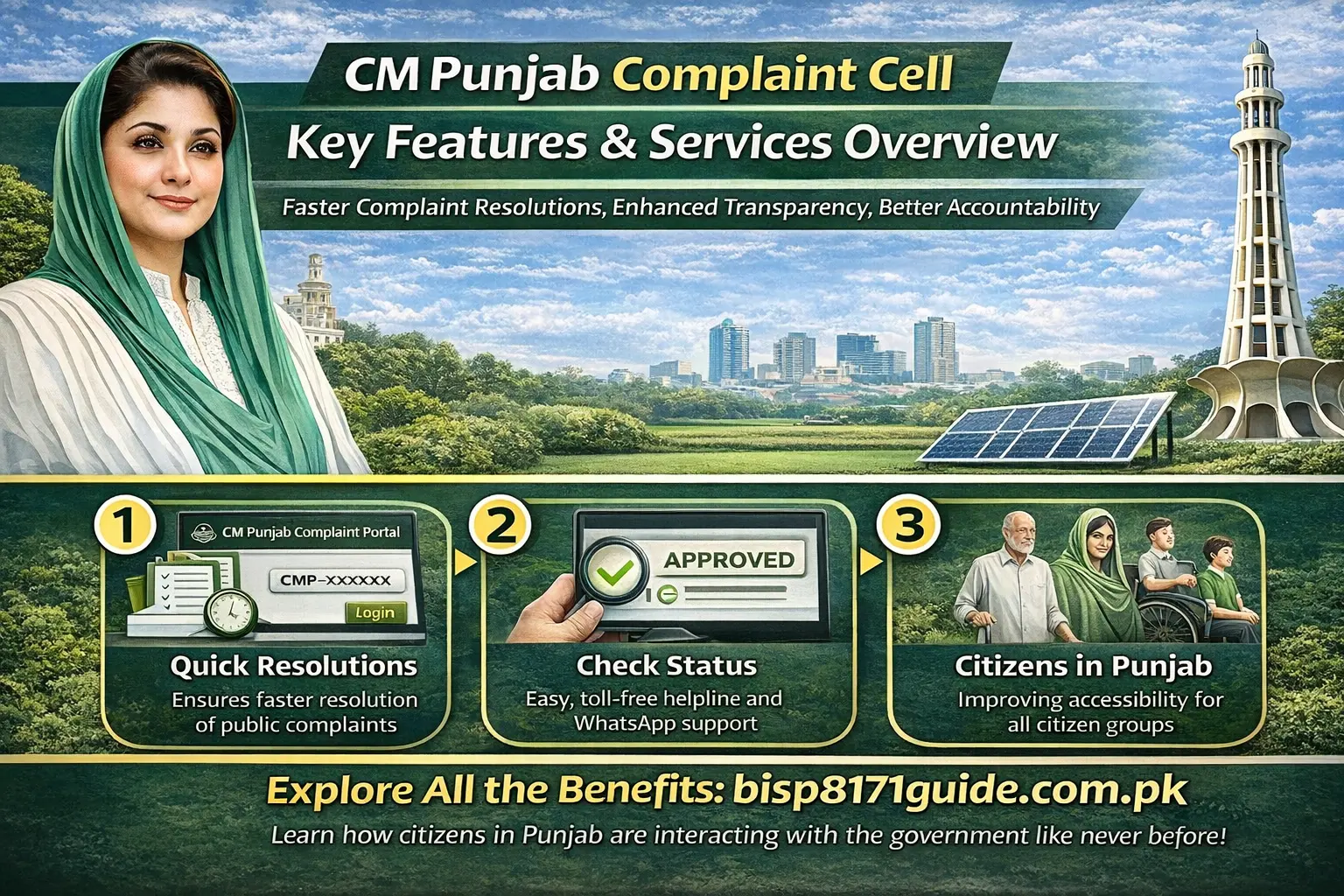
The CM Punjab Complaint Cell is a vital initiative by the Punjab government designed to ensure efficient grievance redressal for citizens. This platform provides a straightforward way to submit complaints related to government services, ranging from utility issues to healthcare concerns. It is aimed at improving government accountability and fostering transparency in the delivery of public services.
In this article, we will guide you through the CM Complaint Cell’s registration process, how to track your complaint status, the key services it offers, and how it contributes to better governance in Punjab.
What is the CM Complaint Cell?
The CM Punjab Complaint Cell is a central grievance redress mechanism introduced by the Punjab government to address citizens’ complaints regarding public services. This system is designed to be a one-stop platform for citizens to lodge complaints, ensuring that their concerns reach the Chief Minister’s office directly.
Purpose and Importance:
The CM Complaint Cell aims to eliminate bureaucratic delays by creating a centralized system where complaints are directly reported to the government. It guarantees quick responses, efficient issue resolution, and greater accountability from government departments. This helps reduce the barriers between citizens and government officials, making the process of raising concerns more accessible.
Key Features:
- Online Portal: Allows citizens to file complaints and track them in real time.
- Helpline Support: Citizens can also call the toll-free helpline for assistance.
- WhatsApp Support: For direct communication and urgent complaints.
- Transparency: Provides real-time updates on complaint status.
Target Audience:
The CM Complaint Cell serves a wide range of individuals, particularly vulnerable groups, including low-income families, senior citizens, and people with disabilities, ensuring their issues are addressed promptly.
How to Register a Complaint with the CM Complaint Cell
Filing a complaint with the CM Complaint Cell is simple and can be done through multiple channels.
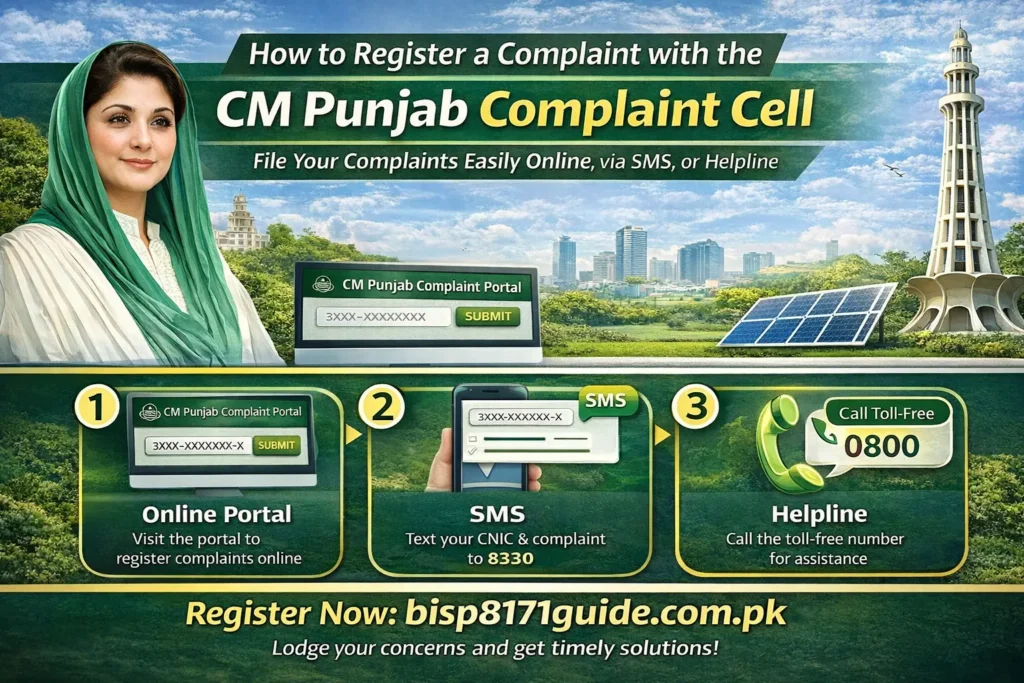
Step-by-Step Registration:
- Online Portal:
- Create an account on the CM Complaint Cell portal by entering your CNIC number.
- Select the category of your complaint (e.g., utility issues, public health, infrastructure concerns).
- Fill in complaint details and submit.
- Create an account on the CM Complaint Cell portal by entering your CNIC number.
- SMS Registration:
- For those without internet access, complaints can be registered by sending CNIC and complaint details via SMS to a designated number (e.g., 1000).
- For those without internet access, complaints can be registered by sending CNIC and complaint details via SMS to a designated number (e.g., 1000).
- Helpline:
- Citizens can call the CM Complaint Cell phone number or the toll-free helpline for assistance with registration.
- Citizens can call the CM Complaint Cell phone number or the toll-free helpline for assistance with registration.
Required Documents:
- CNIC for identity verification.
- Complaint details, including a clear description of the issue.
Verification Process:
The system checks the eligibility of the complaint based on the submitted details and automatically assigns it to the relevant department for action.
Common Registration Issues:
- Incorrect CNIC entries: Ensure correct details when filling out your form.
- Missing documents: Check if all necessary documents are attached before submission.
How to Track Your Complaint Status
Once you’ve registered your complaint, it is crucial to track its status to ensure timely resolution.
How to Track:
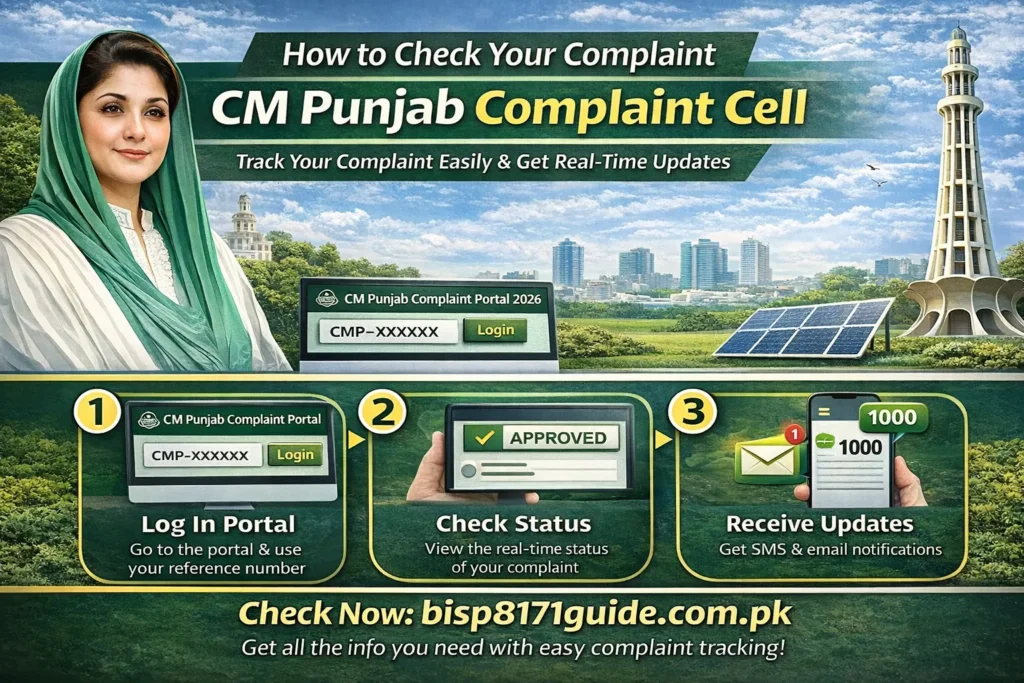
- Login to the Portal: Using your tracking number, you can log into the CM Complaint Cell portal to check the status of your complaint.
- Real-Time Updates: The system sends automatic notifications about the progress of your complaint, including whether it’s pending, resolved, or under review.
- SMS Updates: For added convenience, you can also track your complaint by sending your tracking number to 1000 via SMS.
Alternative Methods:
- Helpline: You can call the CM Complaint Cell phone number for more information or assistance regarding your complaint’s status.
What to Do if Your Complaint is Pending or Rejected:
- Pending Complaint: If your complaint is pending, wait for the verification process or follow up using the portal or helpline.
- Rejected Complaint: If rejected, you can contact support to inquire about why the complaint was not accepted and if additional information is needed.
Key Services Offered by the CM Complaint Cell
The CM Punjab Complaint Cell handles a wide variety of complaints across multiple sectors:
Types of Complaints:
- Utility Services: Issues related to water, electricity, and gas.
- Public Health Concerns: Complaints about hospitals, clinics, or healthcare facilities.
- Infrastructure Issues: Issues such as road maintenance, sanitation, and public transport.
- Government Program Grievances: Complaints regarding welfare programs, subsidy distribution, and government services.
How the Cell Resolves Complaints:
The CM Complaint Cell assigns each complaint to the relevant department. These complaints are then addressed according to the priority level, with escalating procedures if unresolved within a specific timeframe.
Provisions for Vulnerable Groups:
Special attention is given to senior citizens, people with disabilities, and other vulnerable groups, ensuring their complaints are handled promptly.
CM Complaint Cell Mobile App and Digital Features
The CM Complaint Cell mobile app offers easy access to the complaint submission process directly from your phone.
How the Mobile App Works:
- File Complaints: Submit complaints directly through the app.
- Track Status: Receive real-time notifications on the status of your complaints.
- User-Friendly Interface: Designed to be intuitive, especially for citizens with limited digital experience.
Integration with Government Services:
The app also integrates with other government services, enabling a seamless process for issue resolution.
Key Benefits of the CM Complaint Cell
The CM Punjab Complaint Cell provides numerous benefits:
Faster Complaint Resolution:
- The digital platform enables quick complaint handling, reducing delays in government services.
Transparency:
- Real-time updates and tracking ensure complete transparency in the complaint resolution process.
Government Accountability:
- The public tracking system holds government officials accountable for addressing complaints on time.
Wider Reach:
- Accessible to people in remote areas through SMS and the helpline, expanding reach to a wider population.
Common Issues with the CM Complaint Cell and How to Resolve Them
Common Problems:
- Registration Errors: Incorrect details entered can cause delays. Always double-check information before submission.
- Delayed Approvals: Complaints may be delayed due to backlogs in processing. Contact the helpline for follow-up.
How to Resolve:
- Fix Errors: Correct your CNIC or provide any missing documents for quicker processing.
- Escalate Issues: Contact the helpline for any pending complaints or unresolved issues.
Impact of the CM Complaint Cell on Governance and Citizen Engagement
Improved Governance:
The CM Complaint Cell enhances government accountability and ensures citizens’ issues are addressed swiftly, resulting in more efficient governance.
Citizen Empowerment:
By enabling citizens to voice concerns and track responses, the CM Complaint Cell empowers people to actively engage with their local government.
Long-Term Impact:
The initiative promotes a responsive government and a more efficient public service delivery system in Punjab.
Frequently Asked Questions (FAQs)
1. What is the CM Punjab Complaint Cell WhatsApp number?
The CM Punjab Complaint Cell WhatsApp number is a direct contact point where citizens can register complaints or inquire about the status of their complaints. You can send your complaint details or tracking number via WhatsApp for quicker assistance.
2. How do I submit an online complaint to CM Punjab?
To submit an online complaint, visit the CM Punjab Complaint Portal and create an account using your CNIC number. You can also submit complaints via SMS by sending your CNIC number to 1000 or call the CM Complaint Cell phone number for assistance.
3. How can I track my complaint using the CM Punjab Complaint portal?
You can track the status of your complaint by logging into the CM Punjab Complaint Portal with your complaint reference number. Real-time updates will show whether your complaint is resolved, pending, or under review.
4. What is the CM Punjab Complaint Cell contact number?
The CM Punjab Complaint Cell phone number is available on the official portal and can be used for complaint registration, inquiries, or assistance with the application process.
5. How do I check the status of my complaint through the CM Punjab Complaint Cell?
You can check the status of your complaint by visiting the CM Punjab Complaint Portal and entering your complaint reference number. Alternatively, you can contact the helpline or check through the WhatsApp number for status updates.
Conclusion
The CM Punjab Complaint Cell plays a pivotal role in creating a more accountable and transparent government. Whether you are filing a complaint about utilities, public services, or government programs, this platform provides quick access to grievance redressal. Use the CM Complaint Cell portal, WhatsApp support, or the helpline to register complaints, track their status, and ensure that your issues are resolved efficiently.
This system represents a step forward in creating a better relationship between citizens and their government, ensuring that the needs of all, especially vulnerable groups, are addressed in a timely manner. Make sure to use the CM Complaint Cell effectively for a more responsive government in Punjab.
