

The Punjab Socio‑Economic Registry (PSER) is an important government initiative designed to improve the distribution of welfare programs to those who need them most. This digital platform gathers socioeconomic data from households across Punjab, enabling the government to allocate resources more fairly and efficiently. For families facing financial challenges, PSER helps ensure that they receive the necessary support during critical times like Ramzan or other welfare initiatives. This article explains PSER online registration, how to check your eligibility, and the registration process that opens access to financial aid and government support programs.
What is PSER?
The PSER Punjab (Punjab Socio‑Economic Registry) is a comprehensive digital database that collects and manages socioeconomic information about households across Punjab. The data gathered in this registry helps determine eligibility for various government welfare programs like food subsidies, Ramzan relief, and financial aid packages. The registry’s primary goal is to make sure that low‑income families and vulnerable groups can access much-needed support without delays or biases.
Purpose of PSER Online:
- Reduce Bias: By collecting reliable data and using automated systems, PSER ensures that financial support is given based on actual need, not subjective judgments.
- Transparency: The registry helps in transparent distribution by eliminating intermediaries and allowing citizens to track the status of their applications in real-time.
- Accessibility: PSER aims to make welfare programs more accessible by streamlining the application process and integrating data with government services.
Integration with Government Schemes:
- Ramzan Relief Program: PSER data plays a critical role in allocating aid for Ramzan relief packages. Families registered in PSER can quickly receive the Rs. 10,000 cash assistance.
- Ehsaas Program: PSER also integrates with the Ehsaas Program, ensuring that the most vulnerable individuals and families are prioritized for financial assistance.
- Food Subsidies: The registry helps distribute food rations during times of economic hardship.
Why PSER Matters to Citizens
The PSER system provides a direct link between citizens and government aid programs. Once registered in PSER, families can access numerous welfare schemes to alleviate financial struggles.
Eligibility for Welfare:
PSER profiles help the government determine eligibility for various financial relief packages, food rations, medical assistance, and other welfare programs. By using this automated eligibility check, the government ensures that only those who genuinely need assistance benefit from these programs.
Special Focus on Vulnerable Groups:
- Women, elderly citizens, and low‑income households benefit from PSER’s priority access to aid. The system identifies those most in need, ensuring they get the help they deserve.
Transparency and Access:
PSER ensures equal access for all citizens, with a focus on reducing delays in welfare distribution. It removes inefficiencies, ensures transparency, and allows beneficiaries to track their applications online.
How to Register for PSER Online
Registering for PSER online is an essential step in accessing government welfare. Here’s a detailed guide on how to complete the registration process:
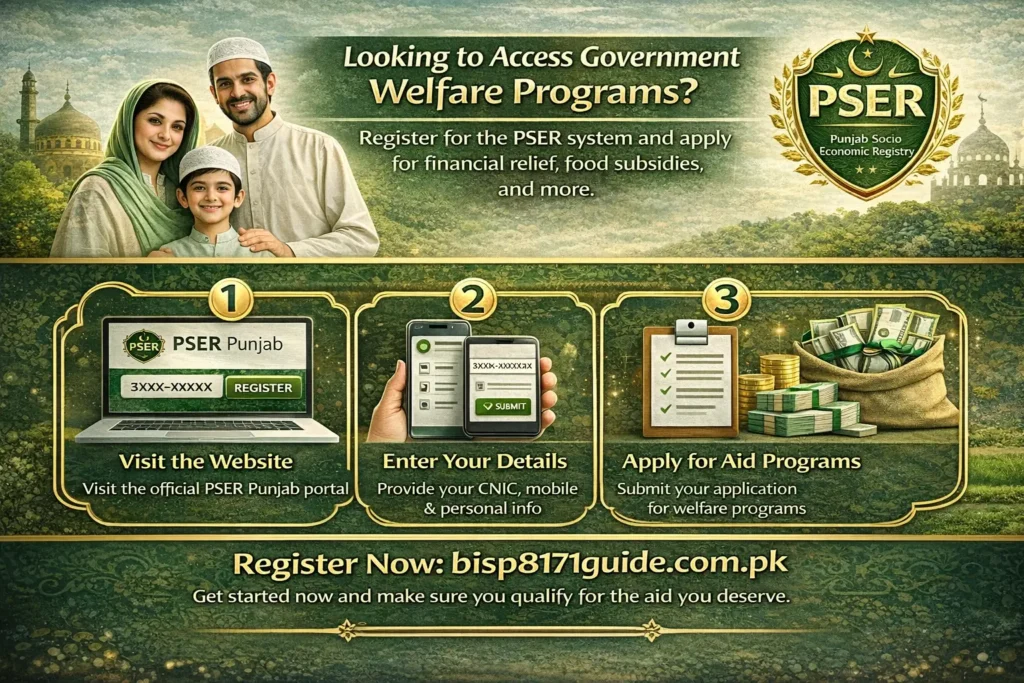
Step-by-Step Guide for PSER Registration:
- Visit the Official PSER Portal: Go to the PSER Punjab website to start your registration.
- Create an Account: Provide your CNIC number, mobile number, and personal details.
- Complete the Survey: Fill out information about your household income, assets, and living conditions.
- Verify Your Details: Your data will be verified using the NADRA system, which will ensure that your information is accurate and up-to-date.
- Submit the PSER Registration Form: Once your information is verified, submit the registration form.
Alternative Registration Methods:
- SMS Registration: If you don’t have internet access, you can send your CNIC number to 1000 for registration.
- Field Surveys: PSER teams visit local areas to help households complete their registrations.
How to Check Your PSER Status
Once you’ve registered, you can track your PSER application and check your eligibility for welfare programs:
Tracking PSER Registration:
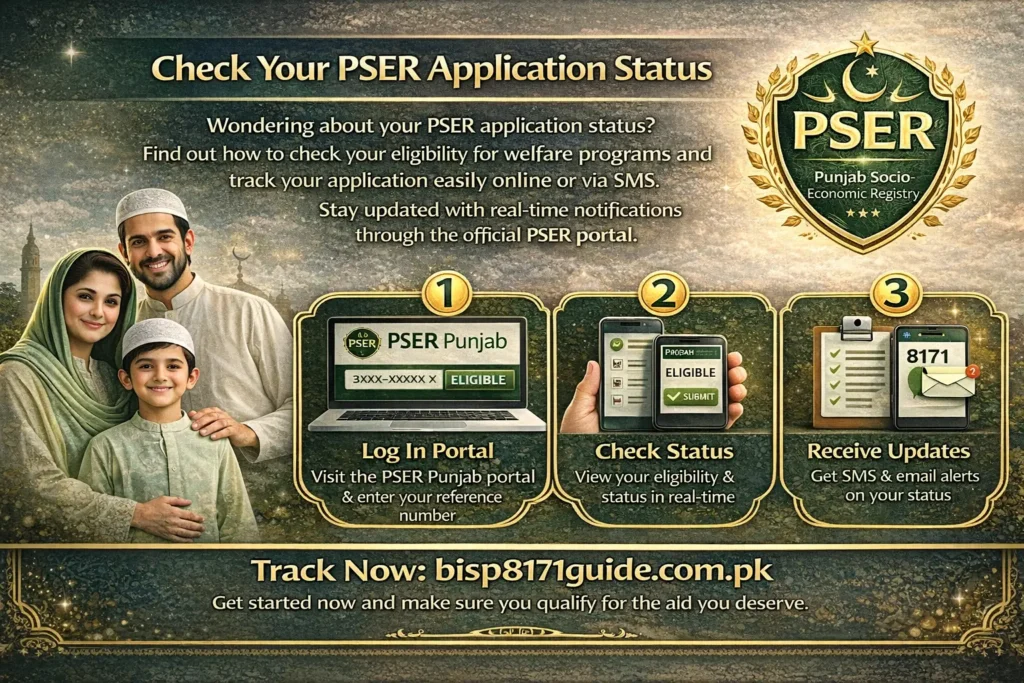
- Login to the PSER Portal: After registration, you can log in with your CNIC number and tracking number to check your status.
- Real-Time Updates: The PSER portal sends SMS or email notifications to keep you updated on your eligibility and the status of your application.
- SMS Verification: Alternatively, send your CNIC to 1000 for SMS updates on the status of your application.
PSER Eligibility and How It Affects You
PSER helps determine eligibility for various government relief programs based on household data. Here’s how it works:
Who Can Register:
- Punjab residents with a valid CNIC are eligible to register for PSER.
- Low‑income families and those struggling financially will be prioritized for welfare programs.
How PSER Determines Eligibility:
The system uses a Proxy Means Test (PMT) to assign each household a score based on their economic status. Those with the lowest scores are given priority for financial aid.
Priority Groups:
PSER ensures that vulnerable populations, such as women, senior citizens, and people with disabilities, are given priority when accessing relief packages.
Benefits of the PSER System
The PSER system offers multiple benefits:
- Automated Access to Government Programs: PSER helps connect citizens to financial assistance, food subsidies, and other welfare initiatives.
- Transparency in Distribution: The platform ensures that resources are allocated fairly to those who need them the most.
- Faster Aid Distribution: By linking PSER profiles to government programs, relief can be distributed more efficiently, especially during emergencies.
Common Issues with PSER and How to Resolve Them
Some common issues include:
- Incorrect CNIC entries: Double-check your CNIC number and personal details during registration.
- Verification delays: If verification takes longer than expected, contact the helpline or check your status on the portal.
- Tracking issues: Ensure your tracking number is correct and logged in.
FAQs
1. How do I register for PSER online?
You can register for PSER by visiting the PSER Punjab portal, creating an account, and filling out the registration form with your CNIC number and other details.
2. How do I check my PSER eligibility?
Log in to the PSER online portal using your tracking number or send your CNIC to 1000 via SMS to check your eligibility for various welfare programs.
3. What is the deadline for PSER registration?
The PSER registration deadline for 2026 will be announced on the official PSER website. Be sure to complete your registration before the last date to receive government assistance.
4. Can I apply for the Ramzan relief package through PSER?
Yes, PSER online registration allows you to apply for the Ramzan relief package and check your eligibility for the Rs. 10,000 aid.
5. How do I fix issues with PSER Online registration?
If you encounter issues like incorrect CNIC entries or missing documents, you can correct the information on the PSER portal or contact support via the helpline.
Conclusion
The PSER online registration system plays a key role in ensuring that government assistance reaches the most deserving individuals and families in Punjab. Whether you’re applying for Ramzan relief or other financial aid programs, PSER online makes it easier to register, track your application, and ensure that you receive the aid you qualify for. With its efficient and transparent system, PSER helps create a more equitable and accessible welfare system.
Be sure to register for PSER before the deadline and take advantage of the benefits it provides to improve your access to government relief programs.
