The Benazir Income Support Program (BISP) is a vital initiative by the Pakistani government aimed at providing financial support to low-income families. With millions of citizens relying on this aid, staying informed about eligibility and payment status is crucial. For people with limited or no access to the internet, the BISP SMS check method provides a convenient way to track their status. This article will walk you through how to use the BISP SMS service to check eligibility and payment status easily, especially for those who have low or no internet access.
Importance of the BISP SMS Service
For many low-income families in Pakistan, BISP is an essential lifeline. While many beneficiaries access the 8171 portal online to check their status, people in rural or underdeveloped areas often lack internet connectivity. For these individuals, the BISP SMS check method is an ideal alternative. This service allows them to check their BISP eligibility and payment status using a mobile phone, without requiring internet access.
The SMS check method is free of charge and easy to use, making it accessible to a larger segment of the population. In this guide, we will explain how to use the SMS service to stay updated on your BISP status and ensure you receive the support you’re entitled to.
How to Check BISP Eligibility via SMS
Step-by-Step Guide to BISP SMS Method
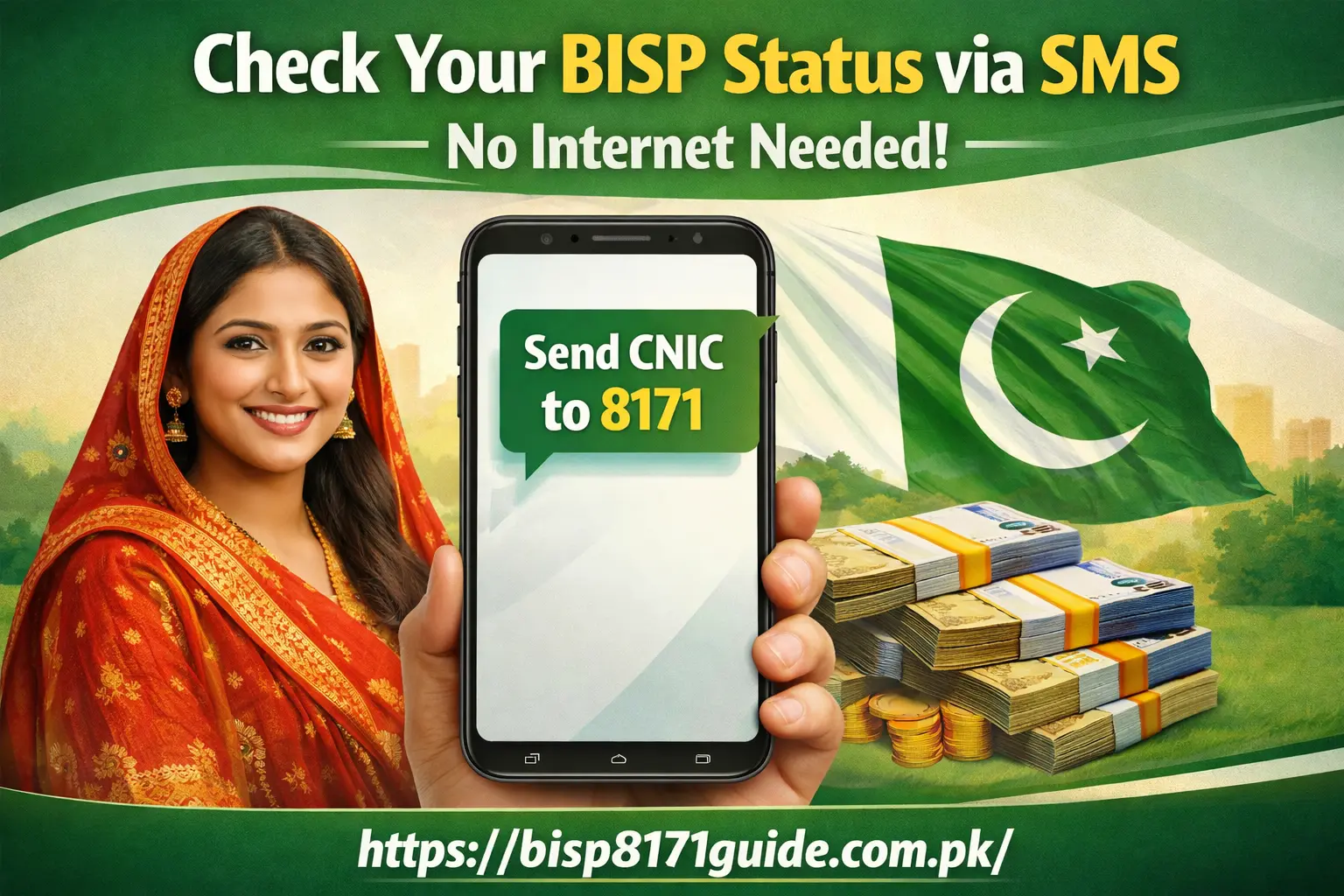
If you’re someone who does not have access to the internet, the BISP SMS check method provides a simple and efficient alternative for checking your eligibility. Here’s how to do it:
- Send Your CNIC Number to 8171
- Open the messaging app on your mobile phone.
- Type your 13-digit CNIC number (without dashes or spaces).
- Send the message to 8171. This will trigger the system to check your details in the BISP database.
- Open the messaging app on your mobile phone.
- Wait for a Response
- Once you’ve sent the SMS, wait for a response. The system will process your CNIC and check whether you’re eligible for the BISP financial assistance.
- Once you’ve sent the SMS, wait for a response. The system will process your CNIC and check whether you’re eligible for the BISP financial assistance.
- Eligibility Status
- You will receive a reply that informs you of your BISP eligibility. If you’re eligible, the response will also include instructions on how to proceed with payment collection.
- If you’re not eligible, the message will explain why and may provide instructions for reapplying or updating your data.
- You will receive a reply that informs you of your BISP eligibility. If you’re eligible, the response will also include instructions on how to proceed with payment collection.
How to Check BISP Payment Status via SMS
Once you’ve confirmed your BISP eligibility, the next step is to track your BISP payment status. To check the payment status, follow these simple steps:
- Send Your CNIC Number to 8171 Again
- To check the status of your payment, simply send the same 13-digit CNIC number to 8171 once again.
- To check the status of your payment, simply send the same 13-digit CNIC number to 8171 once again.
- Wait for the Payment Status Reply
- After sending the SMS, you will receive a response with your payment status.
- The message will include details about whether your payment has been processed and the payment release date.
- After sending the SMS, you will receive a response with your payment status.
- Payment Confirmation
- If your payment has been processed, the response will confirm the amount you are eligible to receive and the expected release date.
- If your payment is delayed or pending, the system will provide further instructions or explanations.
- If your payment has been processed, the response will confirm the amount you are eligible to receive and the expected release date.
How to Track Your BISP Payment Progress Using SMS
After confirming your payment status, it’s important to track your payment progress. Here’s how you can do it:
- Send Your CNIC to 8171 Regularly
- Once you’ve checked your payment status, you can continue to send your CNIC number to 8171 regularly to stay updated.
- This allows you to monitor any changes to the payment schedule or issues that may arise.
- Once you’ve checked your payment status, you can continue to send your CNIC number to 8171 regularly to stay updated.
- Receive Regular Updates
- If there are any delays or changes to your payment release, the system will send updates, helping you stay informed about your payment progress.
- If there are any delays or changes to your payment release, the system will send updates, helping you stay informed about your payment progress.
While the SMS method does not provide a detailed breakdown of each payment, it ensures that you are always aware of your BISP payment status and any upcoming disbursements.
Challenges Faced by Low-Internet Users & How SMS Can Help
Issues with Limited Access to the Internet
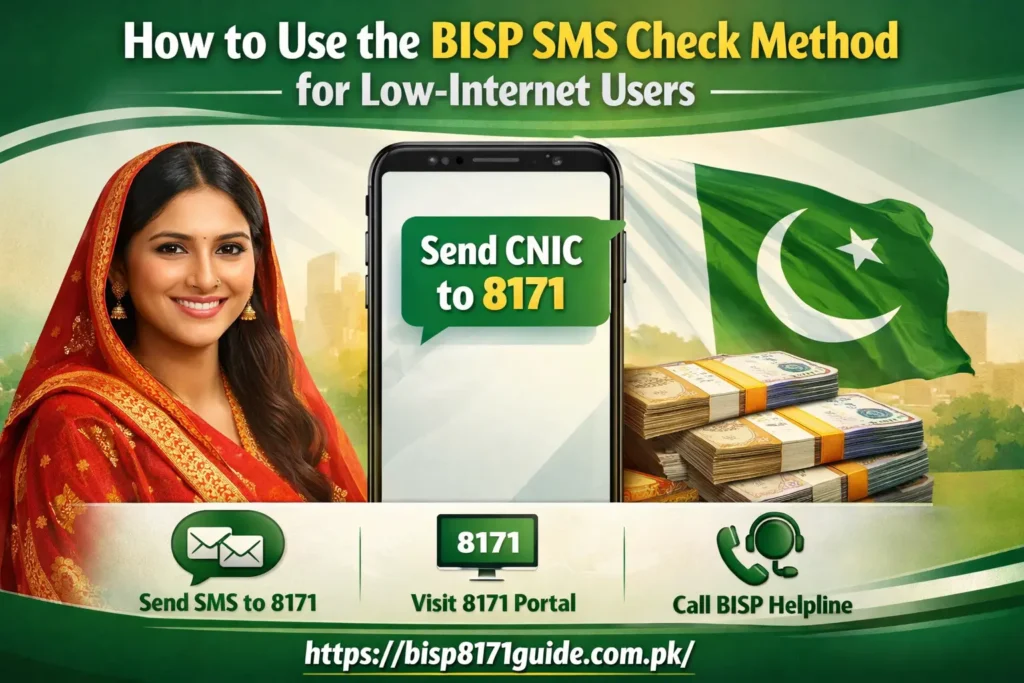
In many parts of Pakistan, especially in rural and remote areas, access to high-speed internet is limited. This creates a barrier for many citizens who need to check their BISP status and access online platforms like the 8171 portal.
However, with the BISP SMS check method, even individuals with basic mobile phones can check their BISP eligibility and payment status easily. SMS is available on virtually every mobile device, making it a universal tool for accessing government services.
Advantages of Using SMS for Low-Internet Users
- Wider Accessibility: SMS can be accessed on any mobile phone, including basic, feature phones, making it widely available.
- No Data Charges: Unlike online services that require data connections, SMS does not incur any data charges, ensuring that even those without internet plans can benefit from the service.
- Simple and Fast: The SMS service is quick, and the results are delivered directly to your mobile phone, saving time and effort.
Alternative Methods for Low-Internet Users to Access BISP Information
While the SMS method is perfect for those with low or no internet access, there are other ways for people to access BISP information:
1. Visiting Local BISP Offices
If you do not have a mobile phone or prefer face-to-face interaction, you can visit a BISP office. The staff will assist you in checking your eligibility status and provide information on your payment schedule.
2. Using a Friend’s Mobile Phone or Internet
If you have a friend or relative who has internet access, you can ask them to help you check your BISP status either through the online portal or SMS service. This ensures you can still stay updated on your application.
Frequently Asked Questions (FAQs)
Q1: How can I check my BISP eligibility through SMS?
To check your BISP eligibility, send your 13-digit CNIC number to 8171. You will receive a reply confirming whether you are eligible for the BISP financial assistance.
Q2: How do I check my BISP payment status using SMS?
To check the BISP payment status, send your CNIC number to 8171 again. You will receive a response detailing your payment status and the expected release date.
Q3: Can I check my payment status if I don’t have internet access?
Yes, the SMS method is designed for people without internet access. Simply send your CNIC number to 8171, and you’ll receive an SMS with your payment status.
Q4: Is the BISP SMS service free?
Yes, using the BISP SMS service to check your eligibility and payment status is free of charge. You don’t need an active internet connection or mobile data.
Q5: What should I do if I don’t receive a response from 8171?
If you don’t receive a response, try sending the SMS again after a few minutes. If the issue continues, contact BISP support or visit a local BISP office for assistance.
Conclusion: Stay Informed with the BISP SMS Check Method
For low‑internet users or those with limited access to technology, the BISP SMS check method is a lifeline to accessing eligibility and payment information. This simple, cost-free service ensures that all citizens, regardless of internet access, can stay updated on their BISP status. By following the steps outlined in this guide, you can easily track your BISP eligibility and payment progress via SMS.
Don’t miss out on the support you’re entitled to — use the BISP SMS service today and stay informed about your financial assistance.